Type the equations of an engineering problem in any order. EQS solves them, with fluid properties, units checked in every equation, parametric tables and plots.
Free download · solving needs a licence file: buy one, or ask for a free 14-day trial licence · one licence for Mac and Windows · No account, works offline
Mac: macOS 11 or later, Apple silicon and Intel, notarized by Apple · Windows: Windows 10 or 11, 64-bit; the installer is not code-signed yet, so Windows can show a warning (what to do)
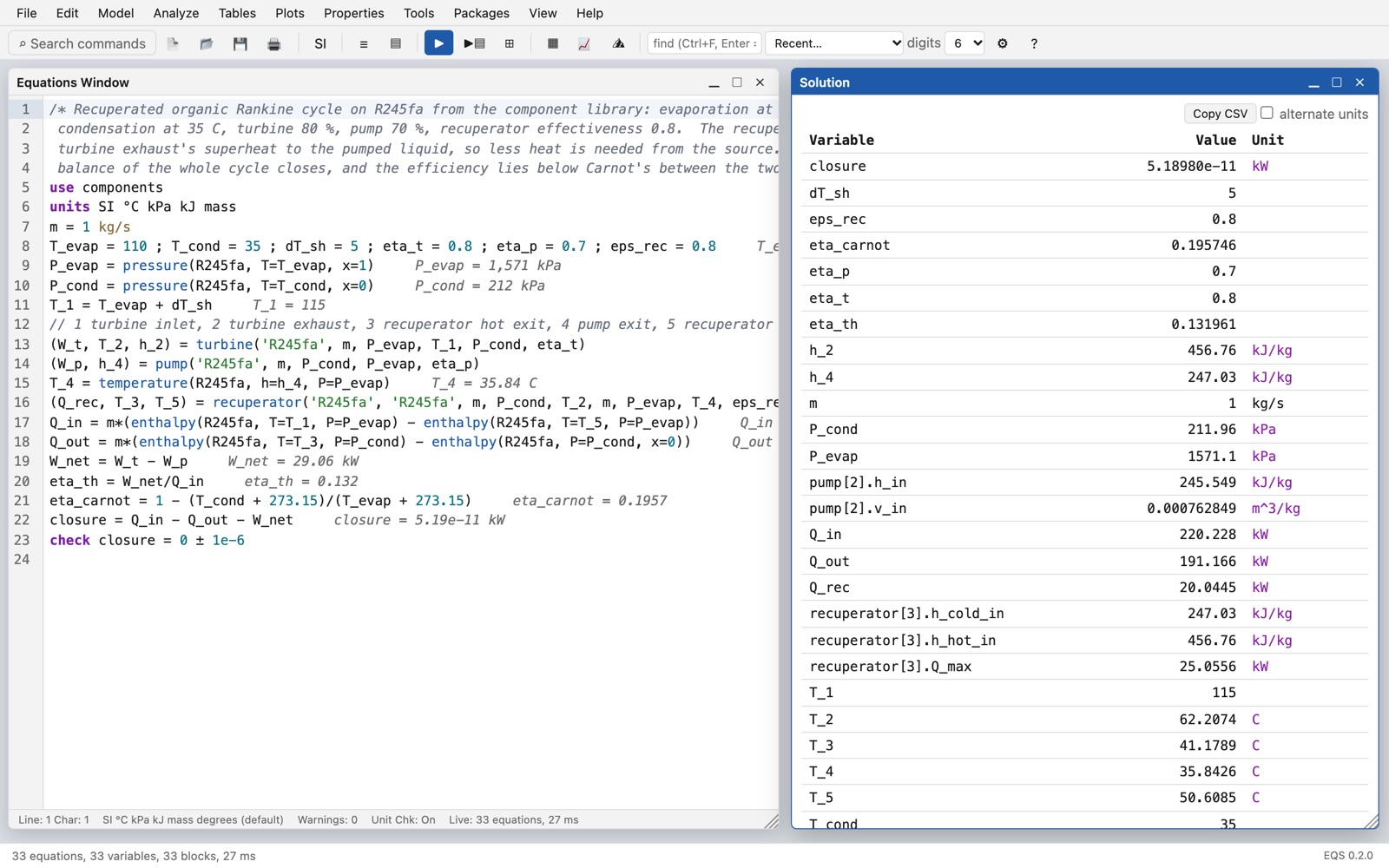
Thermodynamics, heat transfer, fluid mechanics and energy systems, from the first homework to the design calculation.
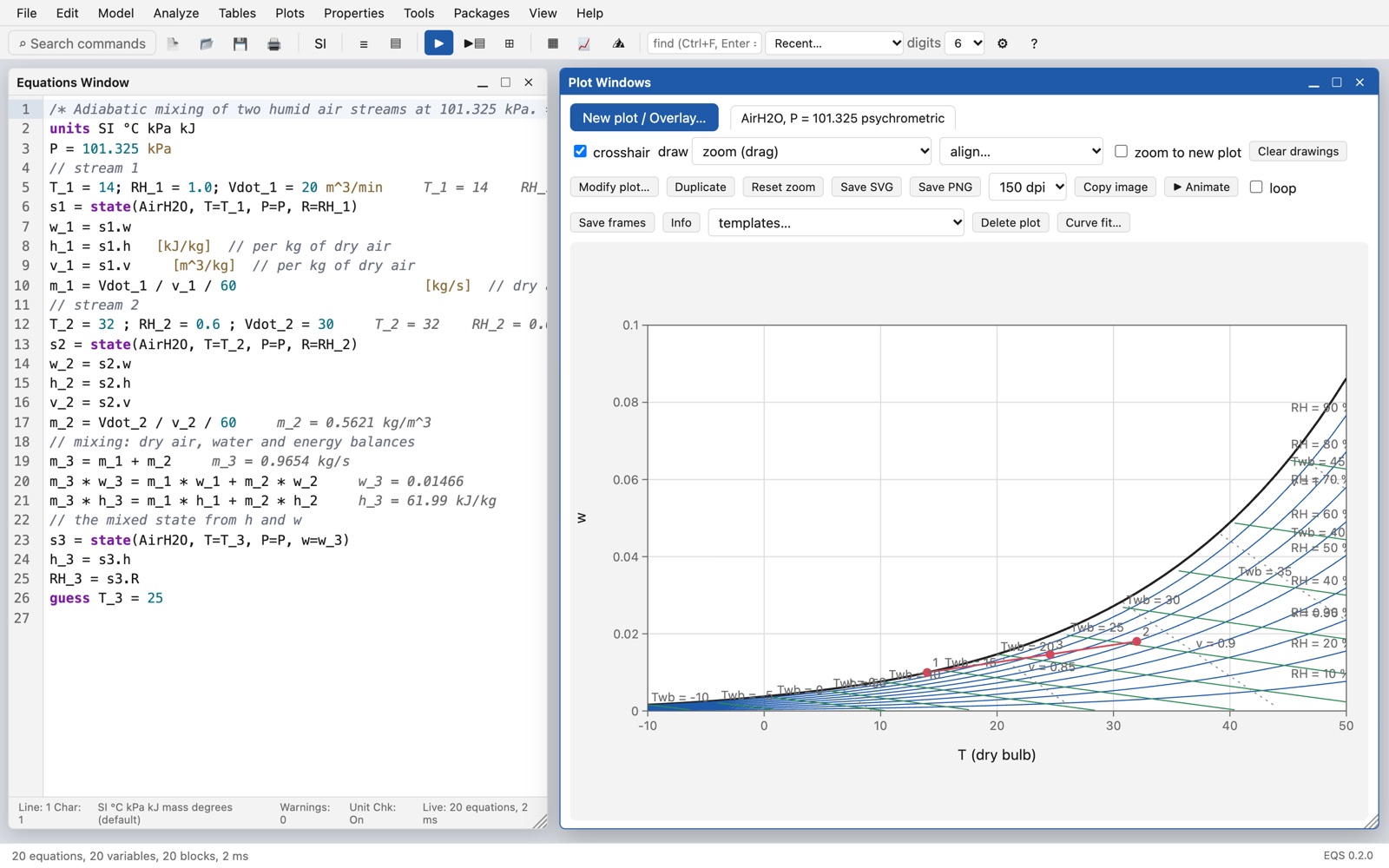
Write the equations as on paper. EQS finds which unknown each equation gives and solves the equations together where they must be.
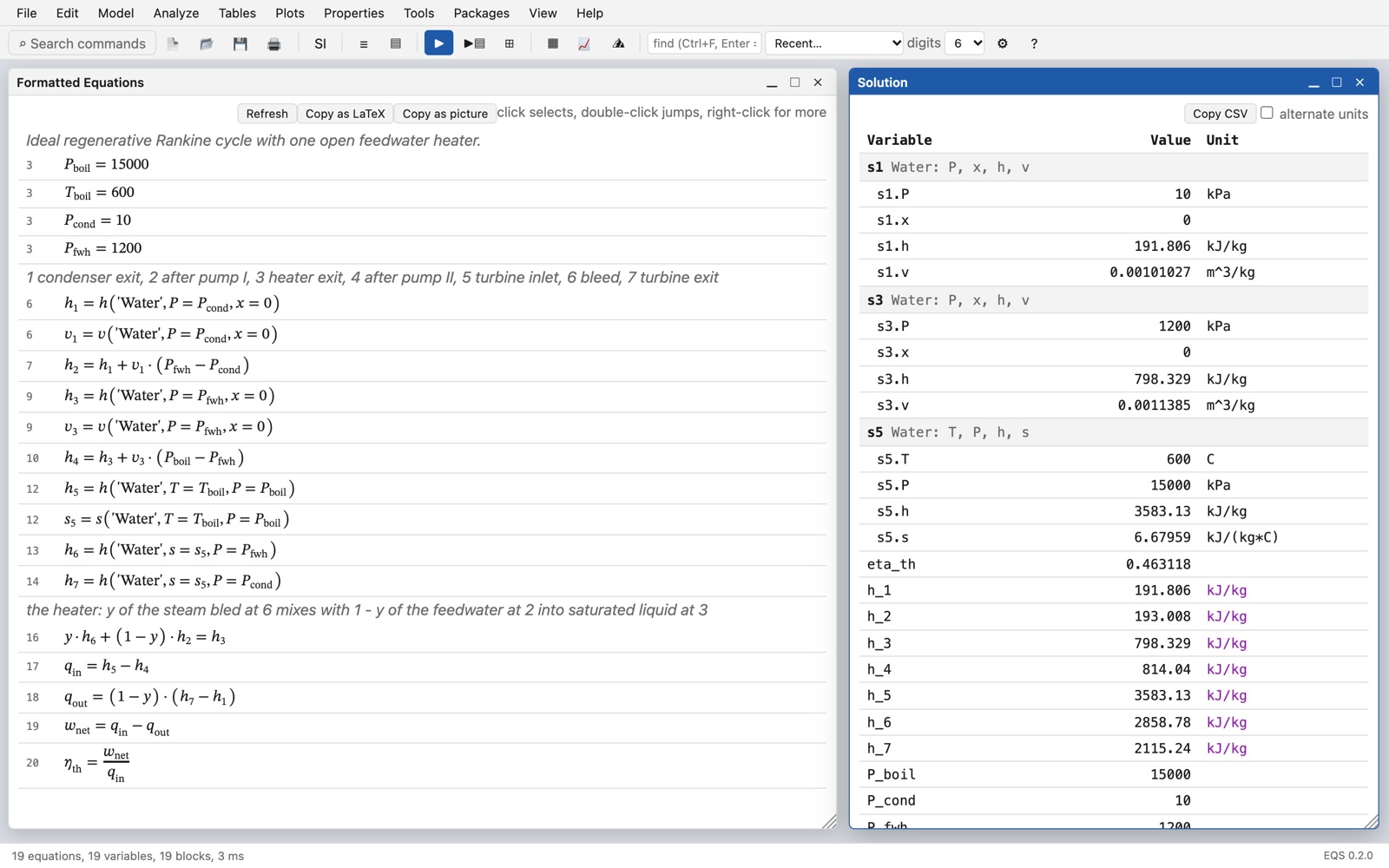
Every number has its unit, and EQS checks each equation. See SI and English units side by side.
Water, steam, refrigerants, air, gases and mixtures, brines and incompressible liquids, from the open CoolProp library.
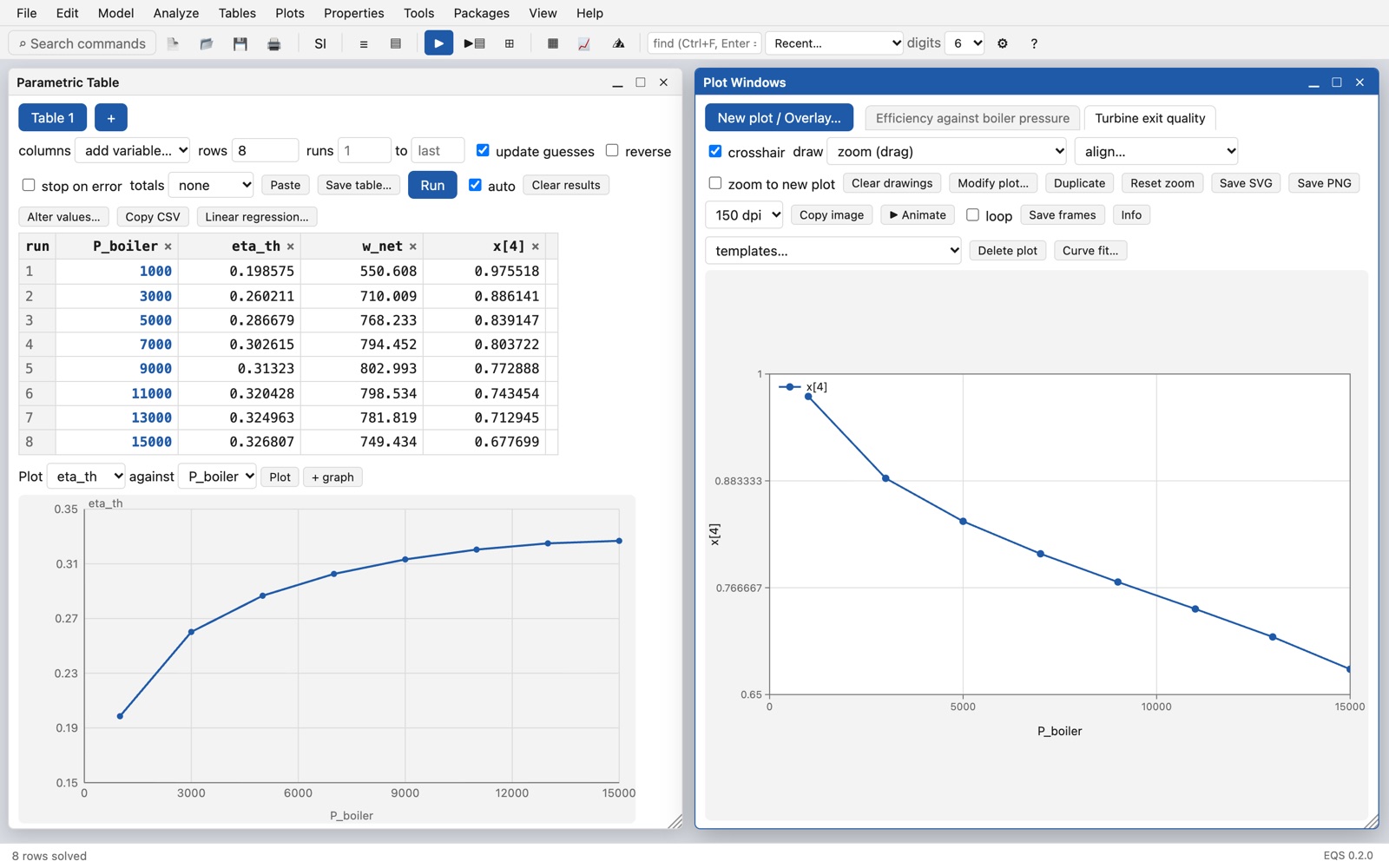
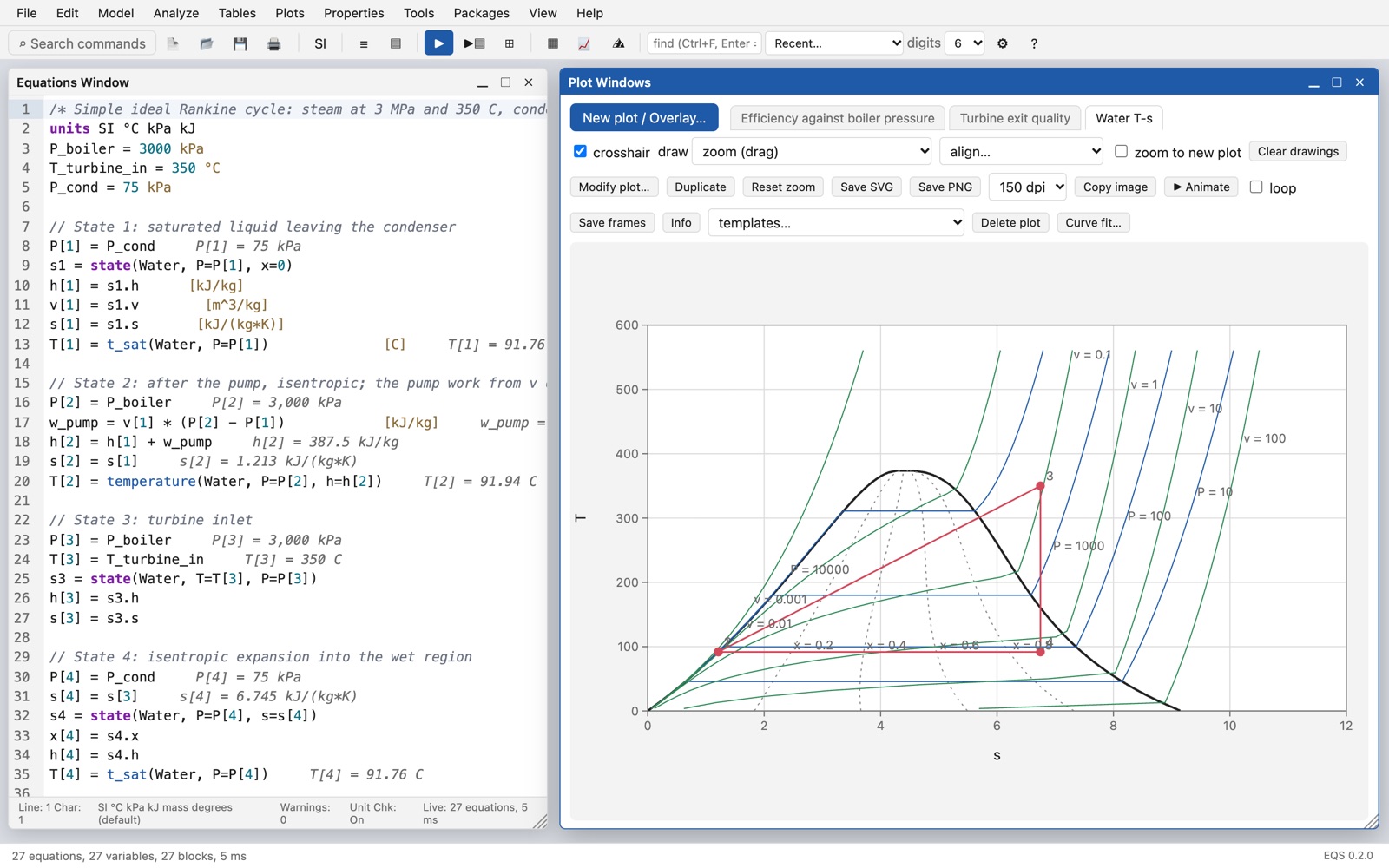
Change one input over a range and see every result. Plot curves, zoom, fit curves, and export to SVG and PNG.
T-s, P-h, h-s and more, with the states of your cycle drawn on them. The psychrometric chart for humid air.
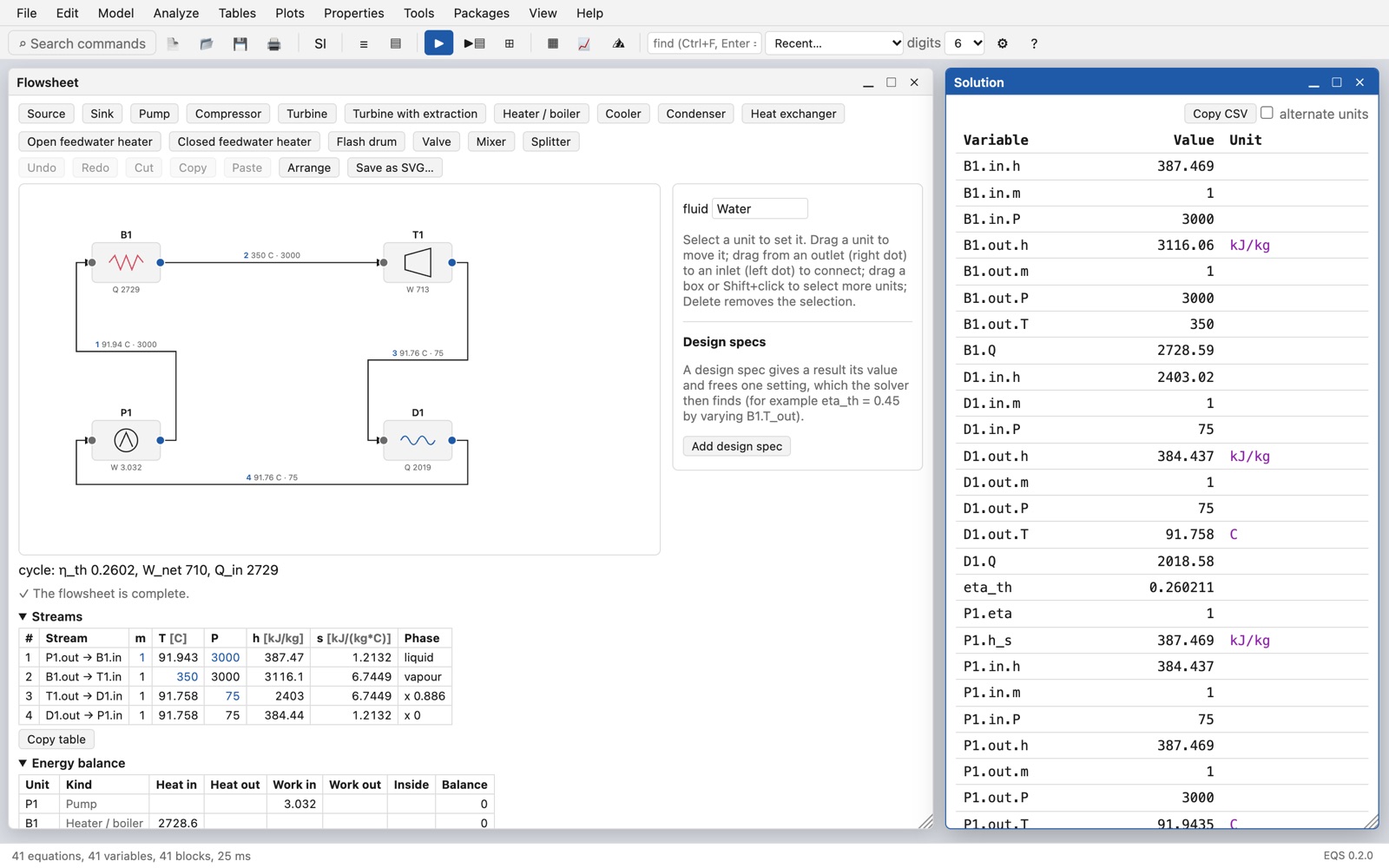
Draw pumps, turbines, heaters and condensers. EQS writes the equations and shows the stream table and the energy balance.
Optimisation, uncertainty and sensitivity, and integration in time.
More than 40 worked examples and a built-in guide that teaches EQS step by step.
All pictures show the real program with the examples that come with it.
Try everything free for 14 days with a trial licence. Then buy once; the licence does not end.
No. EQS runs on your computer, and your models stay in your own files.
Open and read every model and example at any time. To solve, install a licence file. Ask for a free 14-day trial licence at [email protected]; it solves without limits. After it, a purchased licence unlocks solving again.
Yes. The licence file is for you, the person who buys it. Install the same file in EQS on your Mac and on your Windows PC.
The Windows installer is not code-signed yet, so Microsoft Defender SmartScreen does not know it. Click More info, then Run anyway. The installer puts EQS in the Start menu and opens .eqs files in EQS. Most Windows 10 and 11 PCs already have Microsoft Edge WebView2; if a PC does not have it, the installer downloads it once.
Yes. In EQS, open Help → License Status… → Install License File…, and choose the licence file from your university.
The fluids of the open CoolProp library (water and steam, refrigerants, air, gases and their mixtures, brines), humid air, ideal-gas data for combustion, and property tables of common solids.
Help → EQS Guide in the program, and the support page.